


What is an alias email address and How Does It Work?
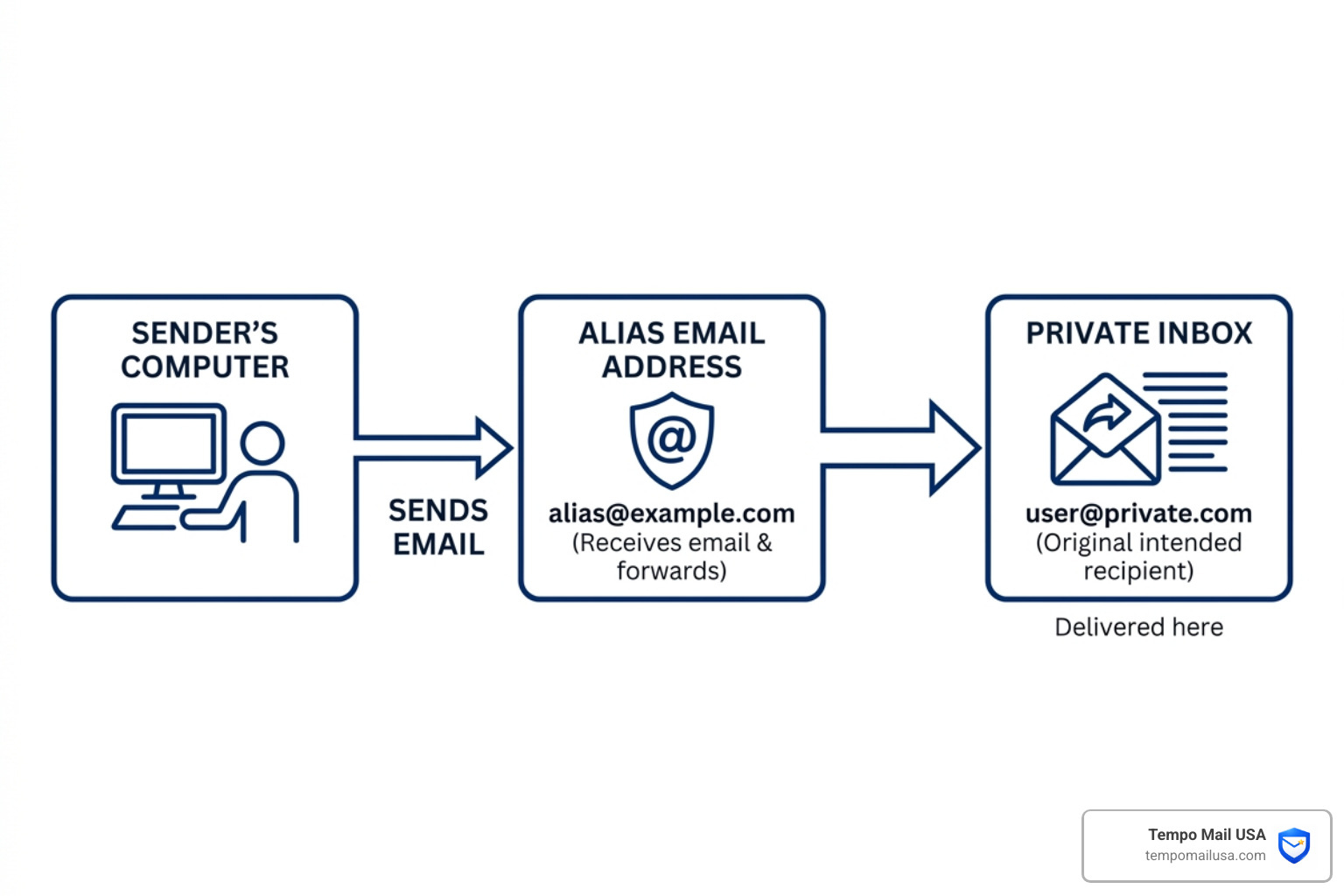
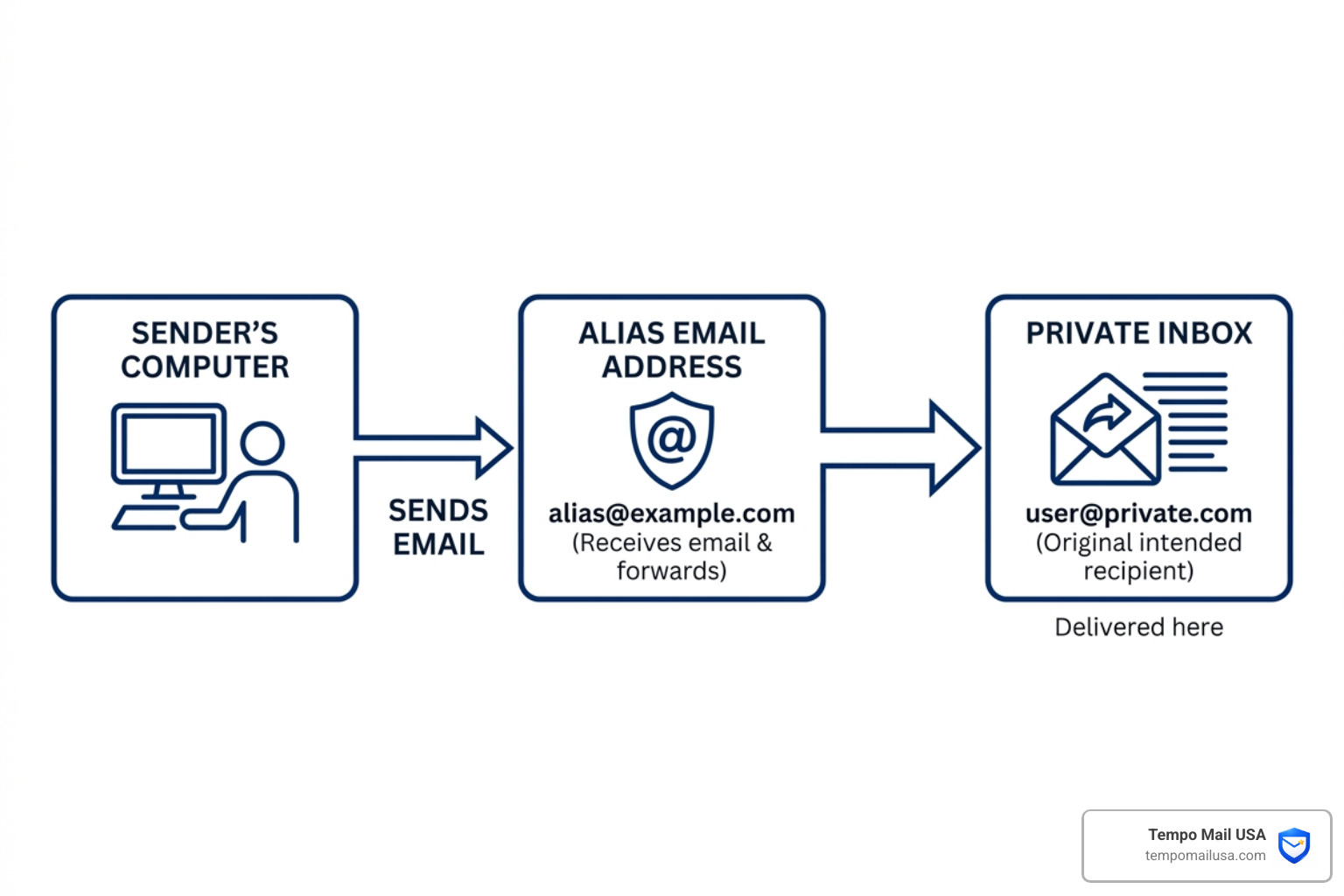
At its core, an alias email address functions like a professional nickname for your digital life. Technically, it is a forwarding address that acts as a proxy. When someone sends a message to your alias, the mail server recognizes that the address isn’t a standalone account with its own storage. Instead, it “expands” the alias and reroutes the message to your primary destination.
The technical magic happens through SMTP (Simple Mail Transfer Protocol). When an email hits the alias server, the system retains the original “envelope sender” (who sent it) and the “envelope recipient” (the alias), but then maps that recipient to your real address. This ensures that the headers—the digital paper trail of the email—remain intact so you can see who the message was originally intended for. To learn more about the foundations of this technology, check out What is Temporary Email and How to Use It Safely.
Technical Mechanics of an alias email address
The “secret life” of an alias email address involves sophisticated routing. In a standard setup, a mail server receives a message for [email protected]. The server checks its alias table (on UNIX-like systems, this is often found in a file like /etc/aliases) and sees that this address points to [email protected].
One of the most critical aspects of this process is header retention. A good alias service ensures that the “From” and “Subject” lines aren’t mangled during the forwarding process. However, a common issue with basic aliasing is “reversibility.” If a service isn’t configured correctly, the recipient might be able to trace the email back to the original sending server, which is why privacy-first services like ours use specialized routing to ensure your real IP and primary address remain hidden.
Differences from Distribution Lists and Groups
It is easy to confuse an alias email address with other email tools, but the differences are vital for your privacy.
- Contact Groups/Distribution Lists: These are designed for one-to-many communication. When you send an email to a distribution list like
[email protected], the server sends a copy of that email to ten different people. - Email Aliases: These are strictly one-to-one (or occasionally one-to-a-few). The goal isn’t to blast a message to a group, but to provide a “mask” for a single person’s identity.
- Shared Inboxes: While a shared inbox allows multiple people to log in and see the same mail, an alias is usually a private tool.
For individual identity protection, a private alias is far superior. Distribution lists are often public-facing and can be easily scraped by bots. An alias, specifically one generated through a secure proxy like Tempo Mail USA, is designed to be a “dead end” for trackers while remaining a “through-way” for you.
The Strategic Benefits of Using Email Aliases


Why go through the trouble of setting up an alias email address? Because the digital world in April 2026 is louder and more invasive than ever. We’ve seen more than 1,000,000 happy users turn to aliases to take back control of their data.
The primary benefit is PII (Personally Identifiable Information) shielding. Your email address is often the “key” that data brokers use to link your activities across different websites. By using a different alias for every site, you break that chain. If one site has a data breach, the hackers only get a “masked” email that you can delete instantly, rather than your permanent primary address.
Furthermore, aliases offer tracking protection. Many marketing emails contain “spy pixels” that tell the sender when, where, and on what device you opened the mail. Advanced alias services can strip these trackers out before the mail ever hits your inbox. For a deeper look at how this works, see The Ultimate Guide to Private Disposable Email.
Organizing Your Inbox with a Custom alias email address
Beyond privacy, aliases are the ultimate organizational tool. Many users employ “subaddressing” (the plus-sign trick, like [email protected]), but this is often guessable by savvy marketers. A true alias email address is much more effective.
You can create specific “digital personas” for different parts of your life:
- Shopping:
[email protected] - Social Media:
[email protected] - Finance:
[email protected]
By using a single dashboard to manage these, you can set up automated filters. For example, any mail sent to your “Shopping” alias can be automatically labeled and moved to a specific folder, keeping your main inbox clear for personal messages.
Business Scenarios and Professional Use
In a business context, aliases are essential for maintaining a professional image. Small businesses often use role-based addresses like info@, billing@, or sales@. Instead of paying for five separate mailboxes, an entrepreneur can have all of these route to their primary account.
Comparing Standard Provider Limitations vs. Dedicated Alias Services
Not all aliases are created equal. While your standard provider offers basic aliasing, they often lack the “firewall” features found in dedicated privacy services.
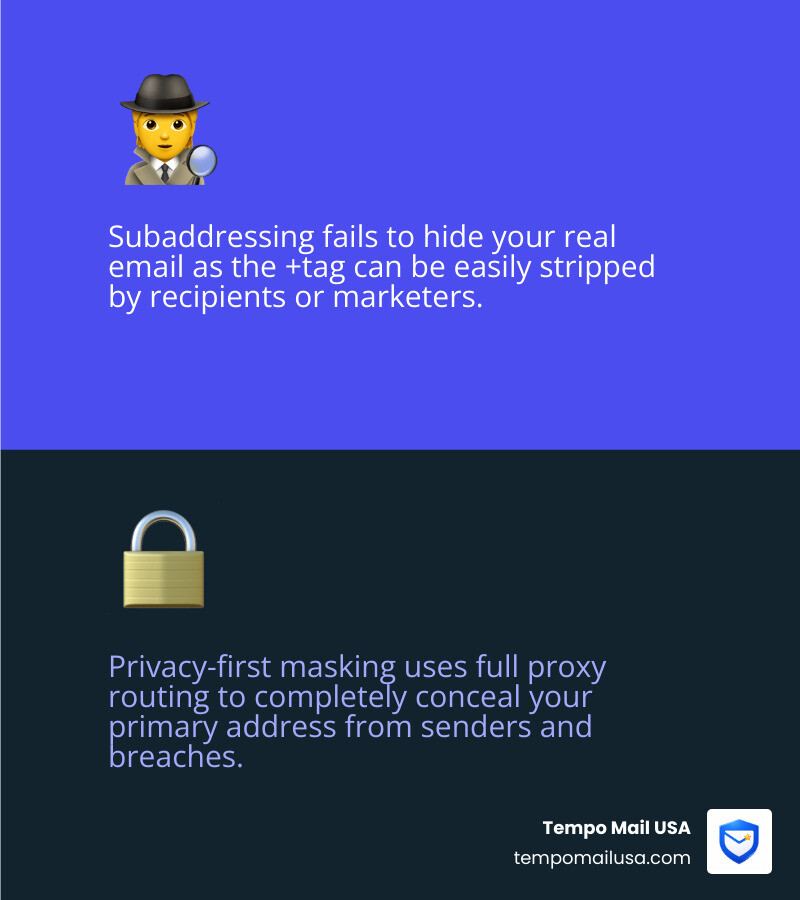
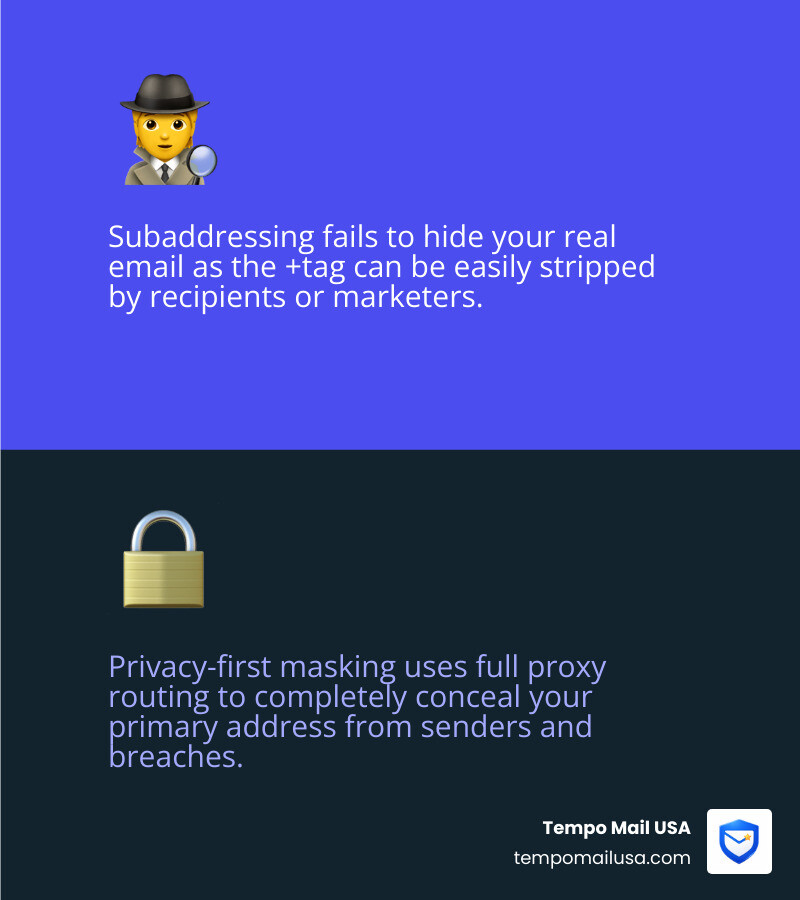
FeatureSubaddressing (user+tag@)Standard Provider AliasPrivacy-First MaskingHides Real Email?No (easily stripped)PartiallyYes (Full Proxy)Custom Domains?NoYes (Paid only)YesAnonymity LevelLowMediumHighTrackers Stripped?NoNoYesReply CapabilityDifficultStandardSeamless/Anonymous
Standard providers often make it difficult to reply from an alias without jumping through settings menus. They also don’t typically offer “catch-all” features or PGP encryption for the forwarding leg of the journey. To understand the full spectrum of these tools, read Beyond Disposable: A Deep Dive into Email Masking.
Advanced Features of Privacy-First Services
Dedicated services take the alias email address to the next level. For instance, we offer reverse-aliases. This allows you to send an email to a special address that then forwards your message to the final recipient, making it appear as though the mail originated from your alias. Your real address never touches the recipient’s server.
Other advanced features include:
- Browser Extensions: Generate a new alias with one click while you’re on a sign-up page.
- Mobile Apps: Manage your aliases and read forwarded mail on the go.
- PGP Encryption: Automatically encrypting forwarded emails so even your email provider can’t read them.
- Catch-all Domains: If you own
mydomain.com, any email sent to anything@mydomain.com will find its way to you, allowing you to invent aliases on the fly without even opening an app.
With over 1,854,000 messages sent through our secure relays, we’ve refined the art of the “anonymous reply,” ensuring that your digital footprint remains as small as possible.
Best Practices for Managing Your Digital Identity
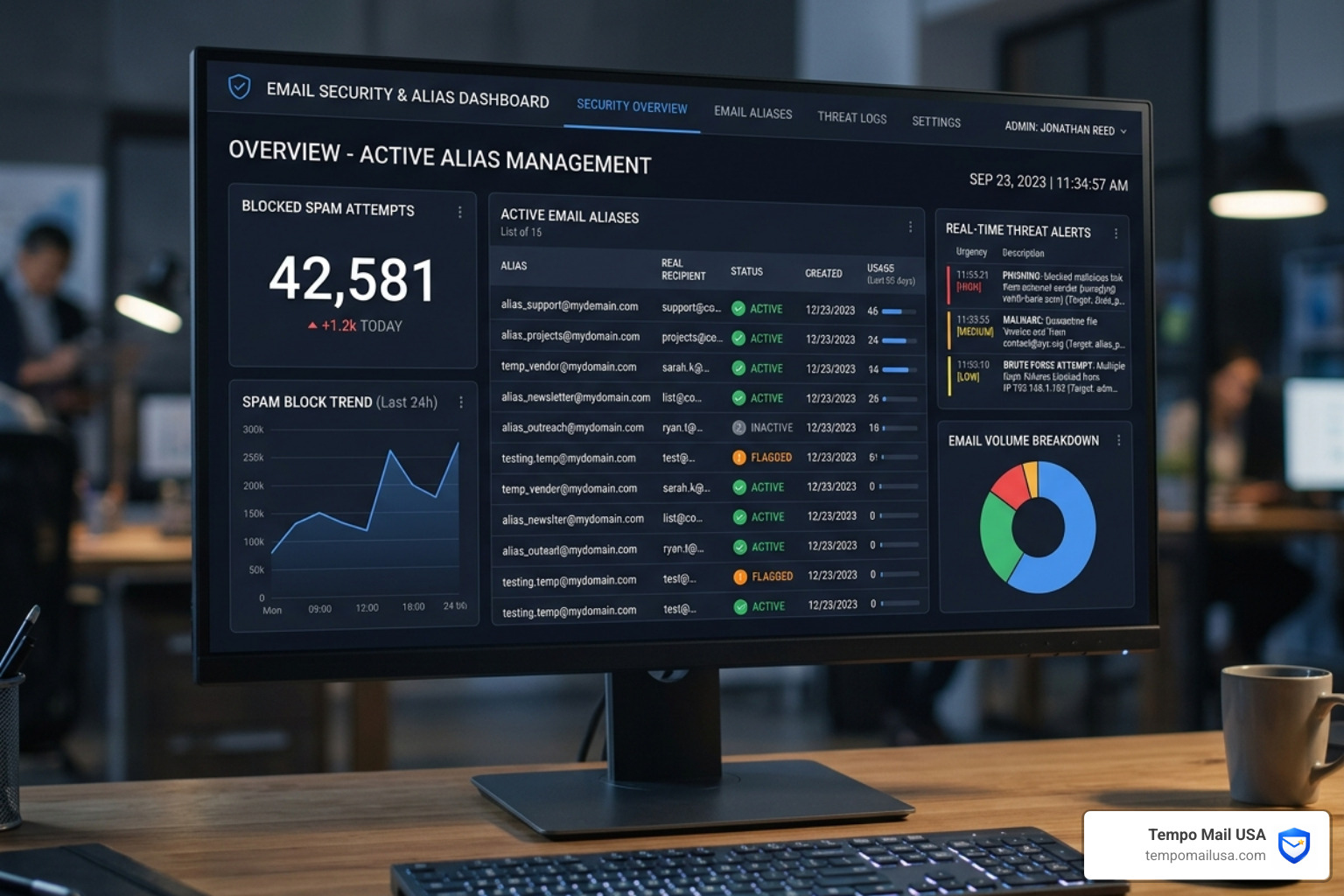
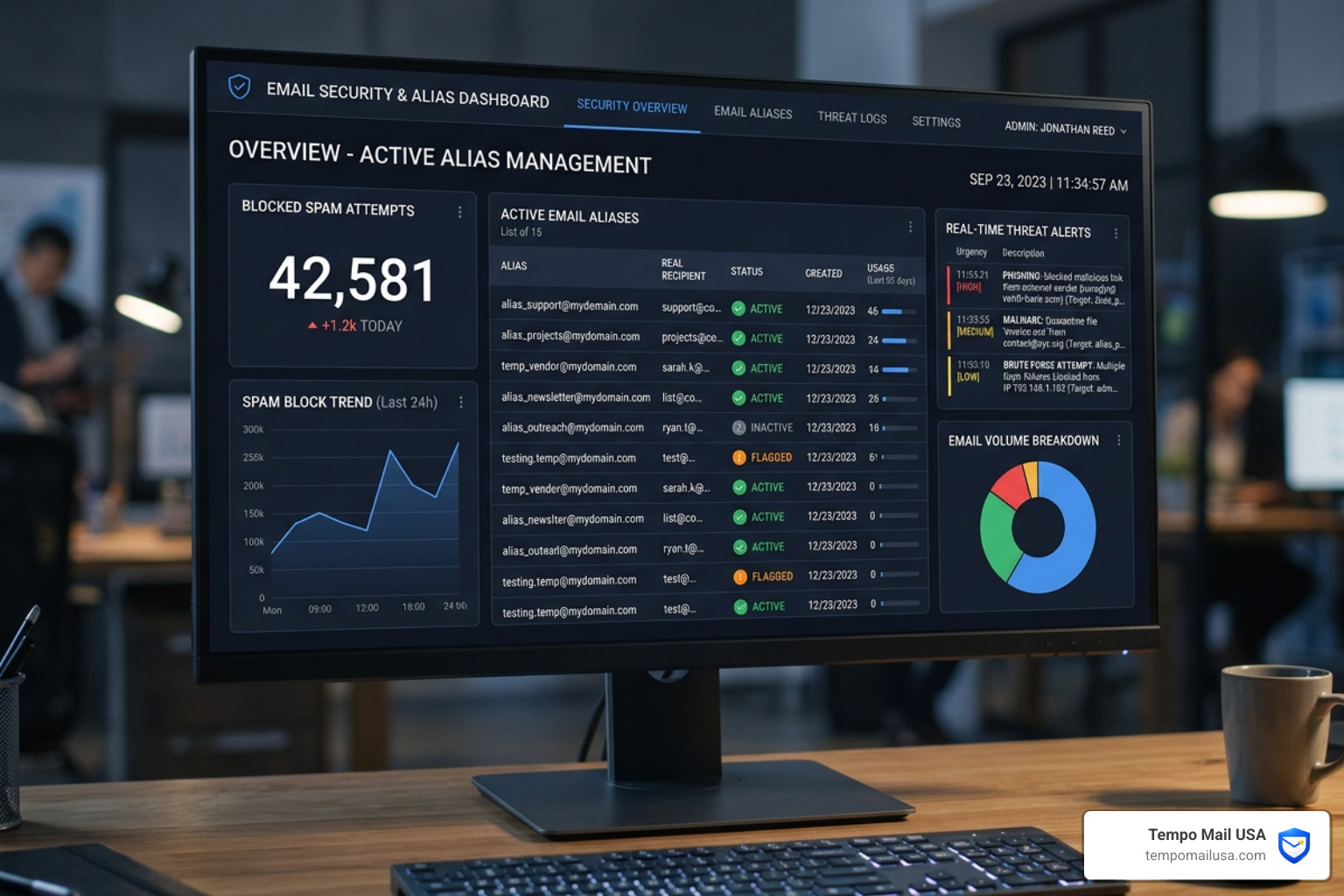
Using an alias email address effectively requires a bit of strategy. We recommend a “tiered” approach to your digital identity:
- Permanent Aliases: Use these for trusted services you use daily (like your bank or primary social accounts).
- Temporary Aliases: Use these for one-off downloads, “10% off” coupons, or reading a single gated article. If the site starts sending daily spam, kill the alias.
- Verification: Some high-security services (like government portals) may flag certain alias domains. Always keep your primary address as a backup for “life-critical” accounts.
For more tips on staying clean online, see Temporary Email USA: Stop Spam, Protect Your Inbox.
Limitations and Potential Issues
While powerful, aliases aren’t a magic wand. There are a few things to keep in mind:
- Irreversibility: Once you delete an alias, any mail sent to it is gone forever. If you used that alias for a password reset on an old account, you might lose access to that account.
- Traceability: If you include your real name in the “Display Name” of an alias, you’ve partially defeated the purpose.
- Abuse Vectors: Some websites block known alias providers to prevent “sybil attacks” (creating thousands of fake accounts).
- Backscatter: Poorly configured alias servers can contribute to “email backscatter” (spamming innocent bystanders with bounce messages). We use advanced backscatter prevention to ensure our relays remain trusted and your mail gets delivered.
Frequently Asked Questions about Email Aliases
Are email aliases the same as temporary or disposable emails?
Not exactly. A “disposable” email is usually a short-lived inbox that expires after 10 minutes or an hour. An alias email address is typically permanent (until you decide otherwise) and forwards to your real inbox. Aliases are for long-term use; disposables are for “hit and run” sign-ups.
How many email aliases can I create for one account?
It depends on the provider. Some cloud services give you three; standard business suites give you 30; enterprise platforms allow up to 400. Specialized services like Tempo Mail USA often allow for unlimited aliases, especially if you are using a custom domain.
Conclusion
The “secret life” of your alias email address is actually a story of empowerment. In an era where your personal data is the most valuable commodity on earth, an alias acts as your personal security detail. It’s a privacy firewall that lets you enjoy the benefits of the internet without the “tracking hangover.”
At Tempo Mail USA, we believe that your primary email address should be a “invite-only” space. By using secure email alias generation to proxy your identity, you can shield your personal PII from every service you encounter. Whether you’re dodging spam, organizing a business, or simply staying anonymous, the alias is your most powerful ally.
Ready to take back your inbox? Discover Why Tempomailusa is the Best Temp Email and start building your digital shield today at https://tempomailusa.com